
Immersive Cinema & Motion Theater Solutions
Compare five immersive cinema solutions for your venue. Explore how dome screens, track-guided vehicles and motion seats shape the guest experience, then review each system’s space and installation requirements.
THEATER SELECTION GUIDE
What to Compare When Choosing a Theater System
Start with what guests will see and feel. Screen shape, seat movement, environmental effects and film compatibility all influence which theater works best in your space.
Screen & Sightlines
Compare screen shape and viewing distance. Check what guests can see from the front, rear and outer seats.
Seat & Vehicle Motion
Decide whether guests should feel flight, move along a track or experience motion from a seated position.
Environmental Effects
Choose the effects your films call for and allow space for the equipment that delivers them.
Film Compatibility
Match each title to the screen format, playback system and motion cues of the selected attraction.
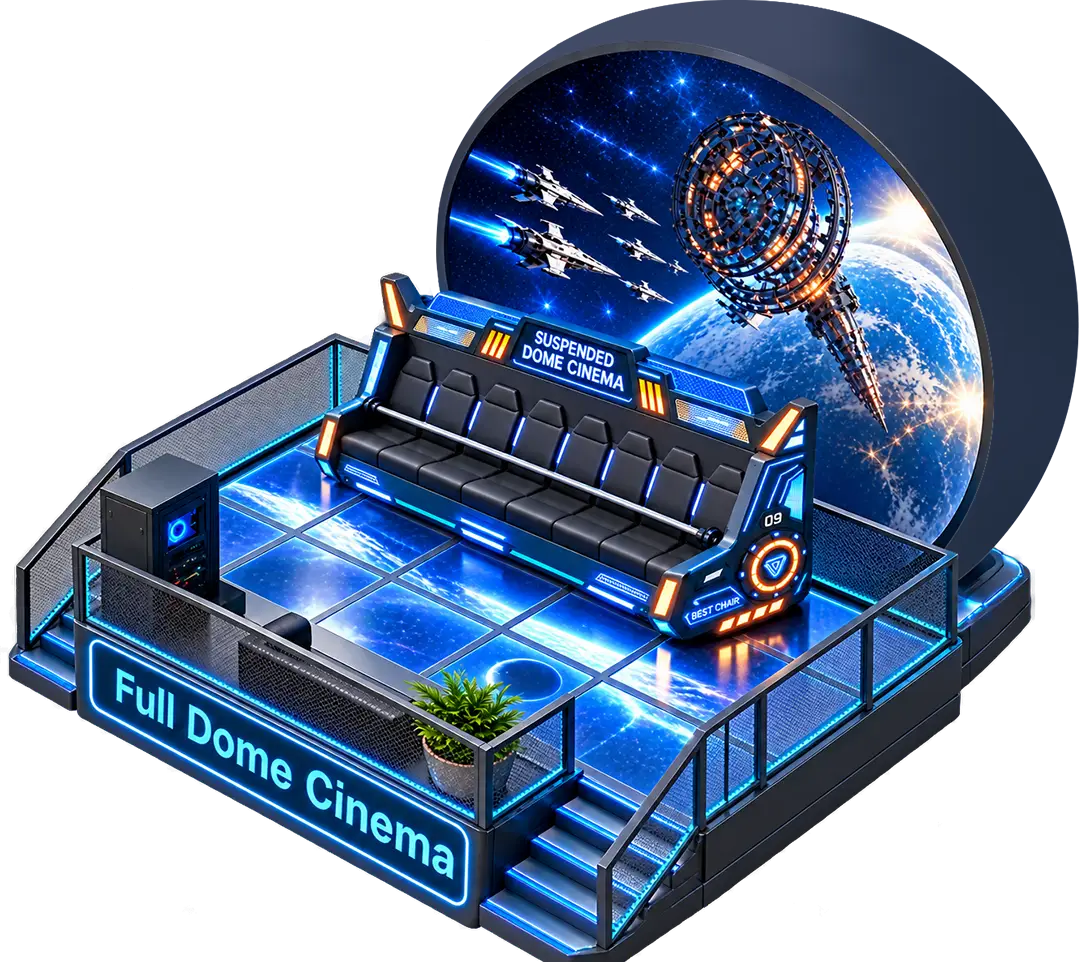
Dome Theater
An upright dome screen and rotating motion seats bring the projected scene around the audience.
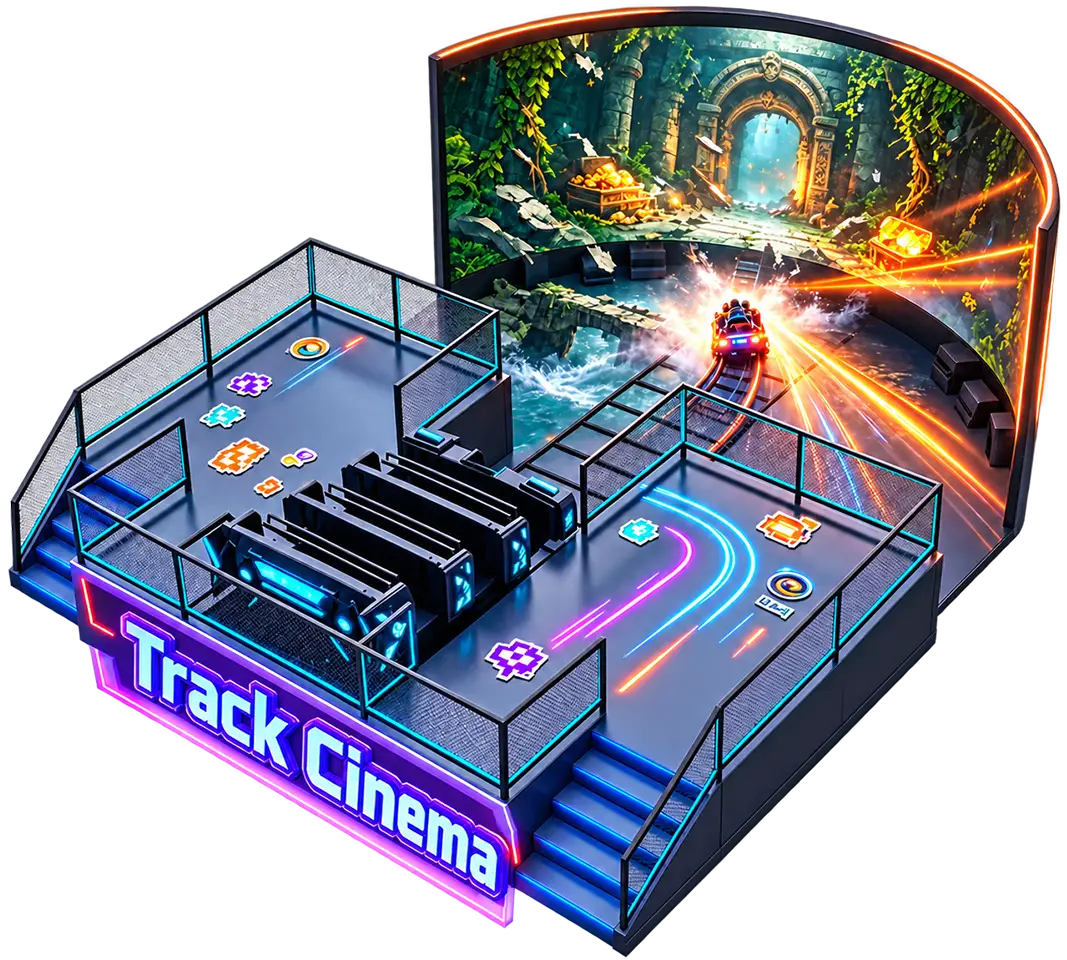
Track Cinema
A track-guided vehicle carries guests from the boarding area to a curved screen, where motion follows the film.
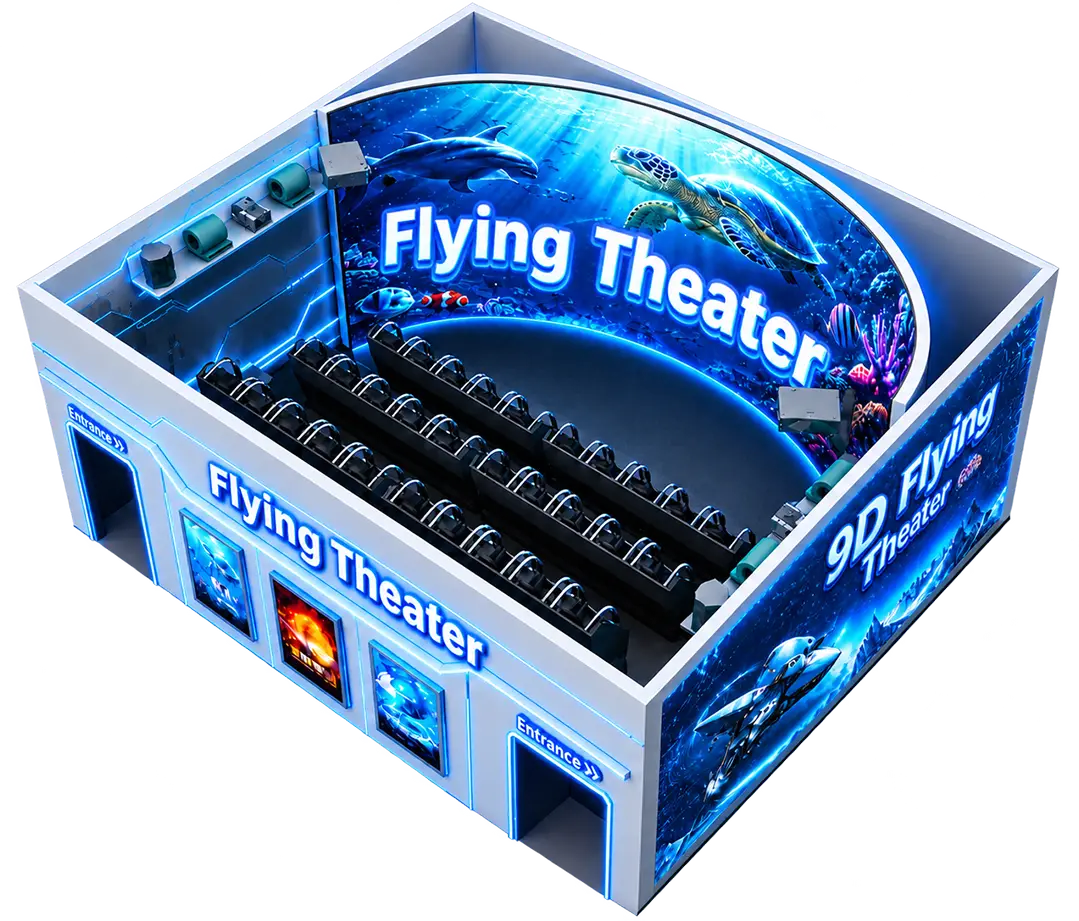
Flying Ride Theater
A 3-DOF motion system follows turns, climbs and descents on screen to create the sensation of flight.
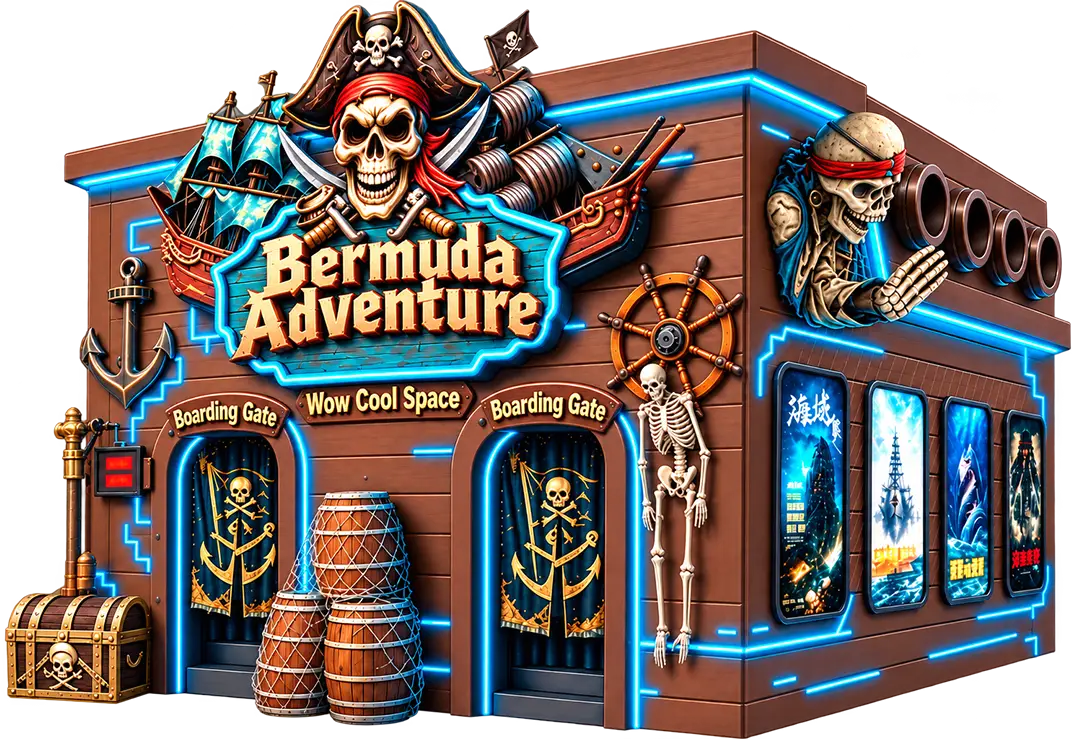
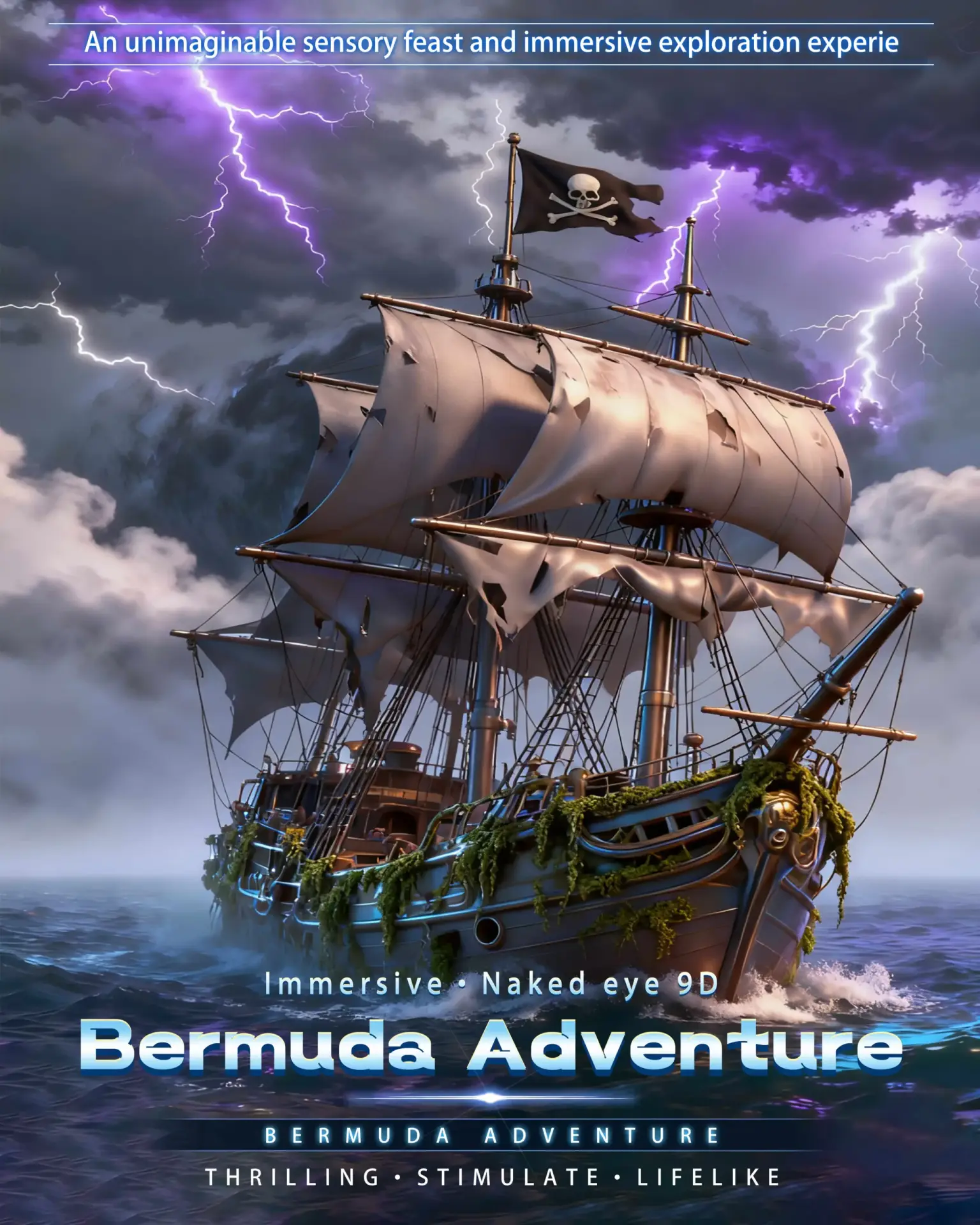
Bermuda Adventure
A pirate-themed exterior and an adventure film give this attraction a distinct identity within a park or entertainment venue.
Which Immersive Cinema Solutions Fit Your Venue?
Start with the experience you want guests to have. A dome screen fills the field of view, a track vehicle changes how guests enter the scene, and motion seats add physical effects to a seated film.
Motion and Environmental Effects
A film sequence may call for a gust of wind, a brief rain effect or a timed seat movement. Available effects depend on the theater model and film program. Your proposal lists the equipment selected for your project.
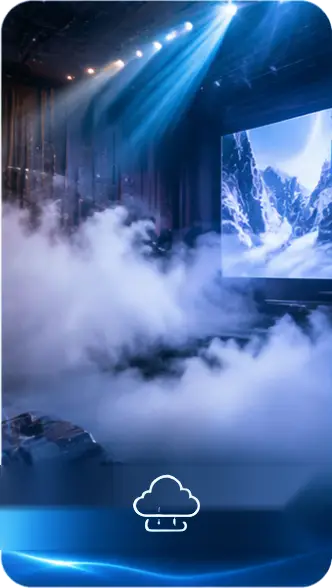
Smoke Effects
Smoke adds atmosphere to selected scenes.
Wind Effects
Airflow reinforces speed, flight and changes in direction.
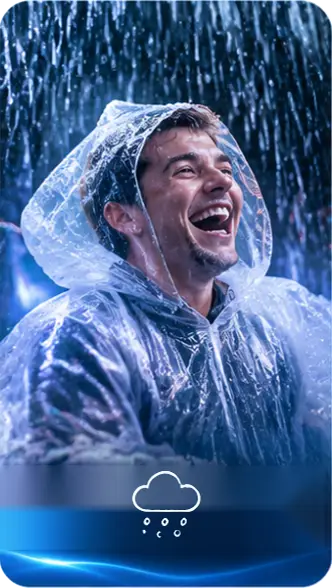
Rain Effects
Water spray recreates rainfall at specific moments in the film.
Snow Effects
Artificial snow extends a winter scene into the auditorium.
Bubble Effects
Bubbles accompany underwater and family film sequences.
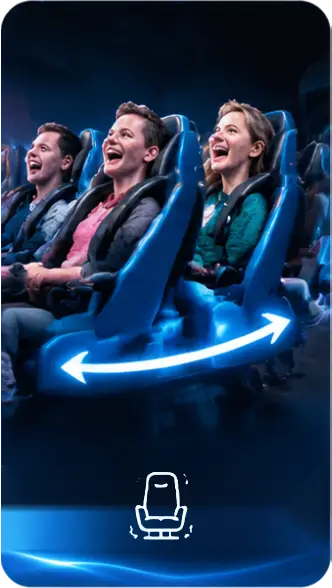
Dynamic Motion
Seat movement follows the timing of the on-screen action.
Theater Layout and Equipment Planning
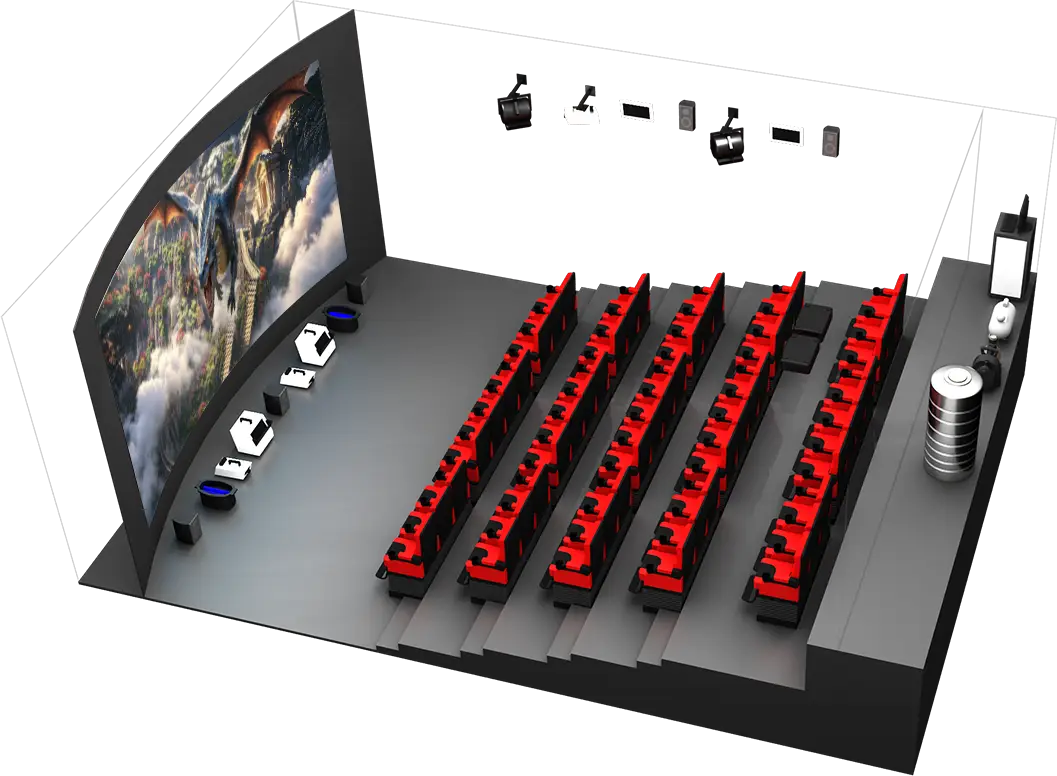
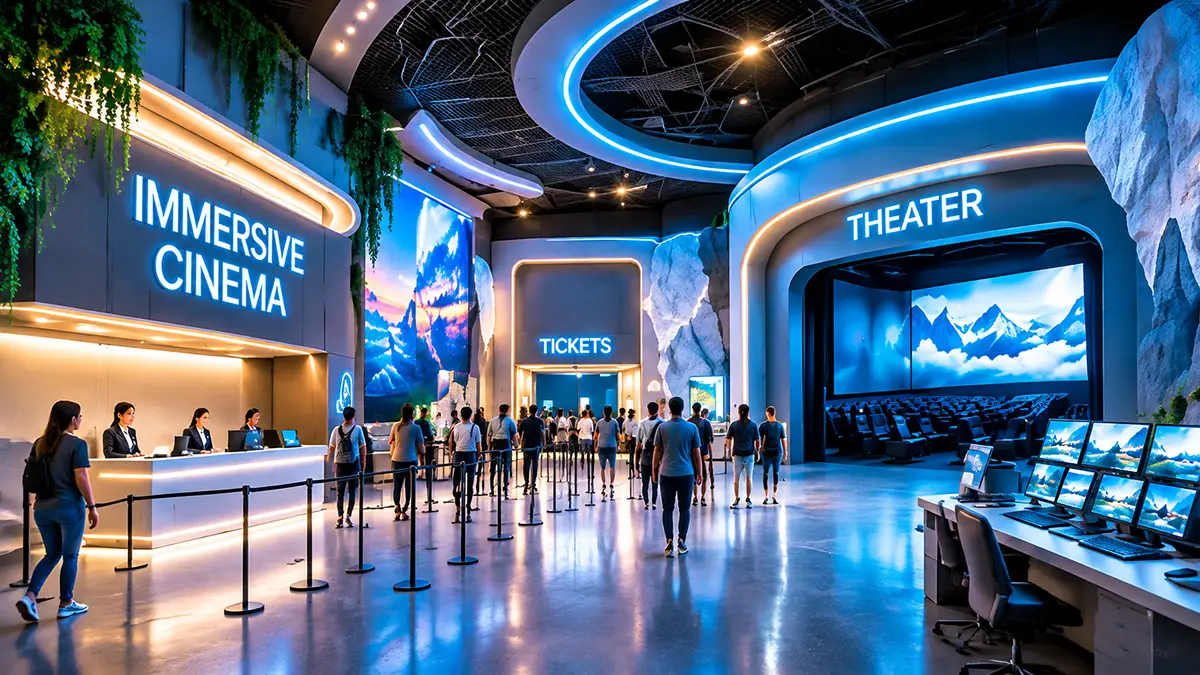
A workable layout must accommodate guests, moving equipment and service access. We review the venue plan before specifying screen position, seating, effects equipment and operator controls.
Guest Flow & Boarding
Plan where groups queue, board and exit so arriving visitors have a clear route to their seats.
Screen & Seating Layout
Check viewing angles, row spacing and clearance around moving seats or vehicles.
Theming & Lighting
Coordinate the entrance, interior finishes and show lighting with the film experience.
Playback & Show Control
Plan how the operator starts a show and how playback triggers the supported motion and effects.
Film Content for Immersive Cinema Systems
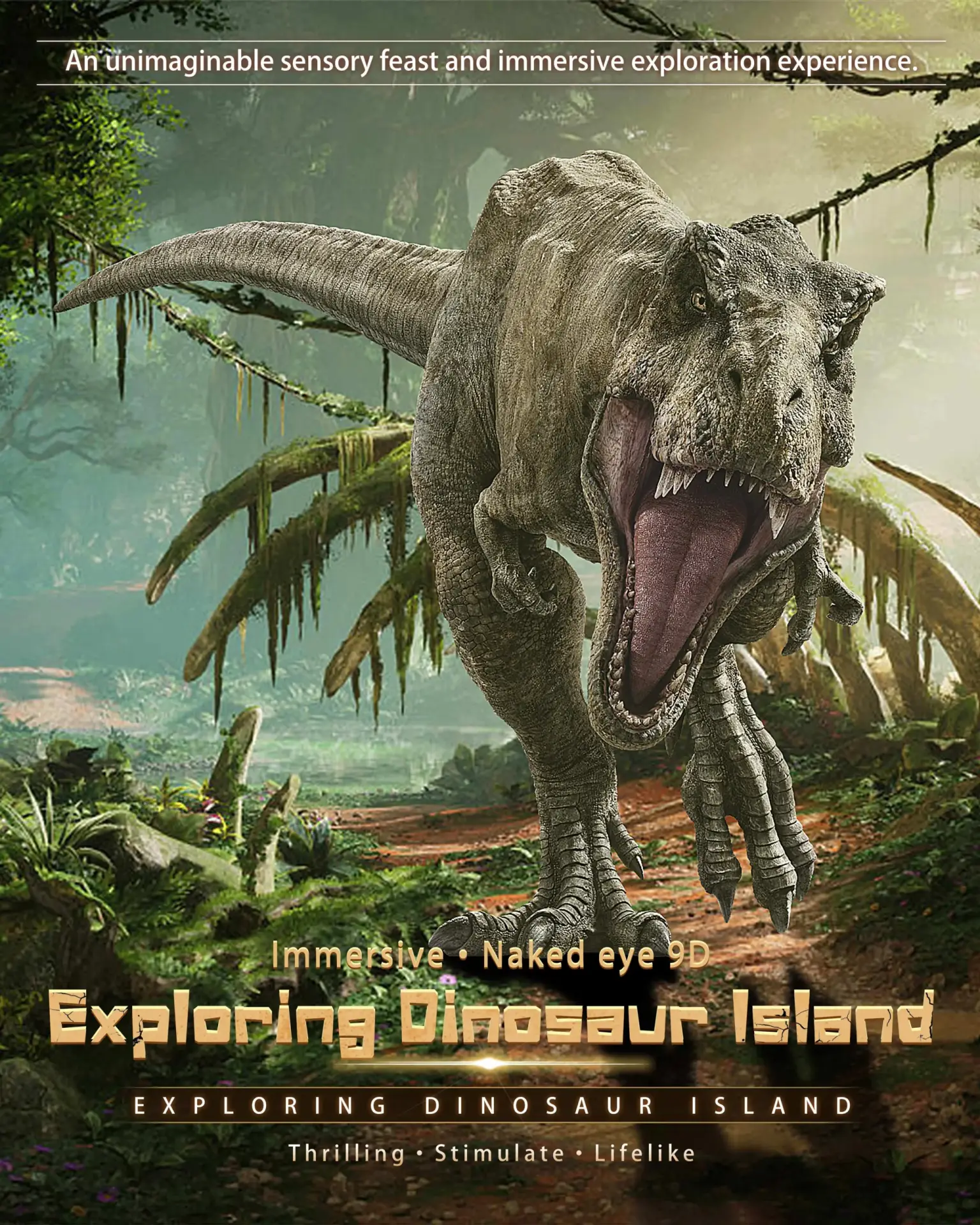
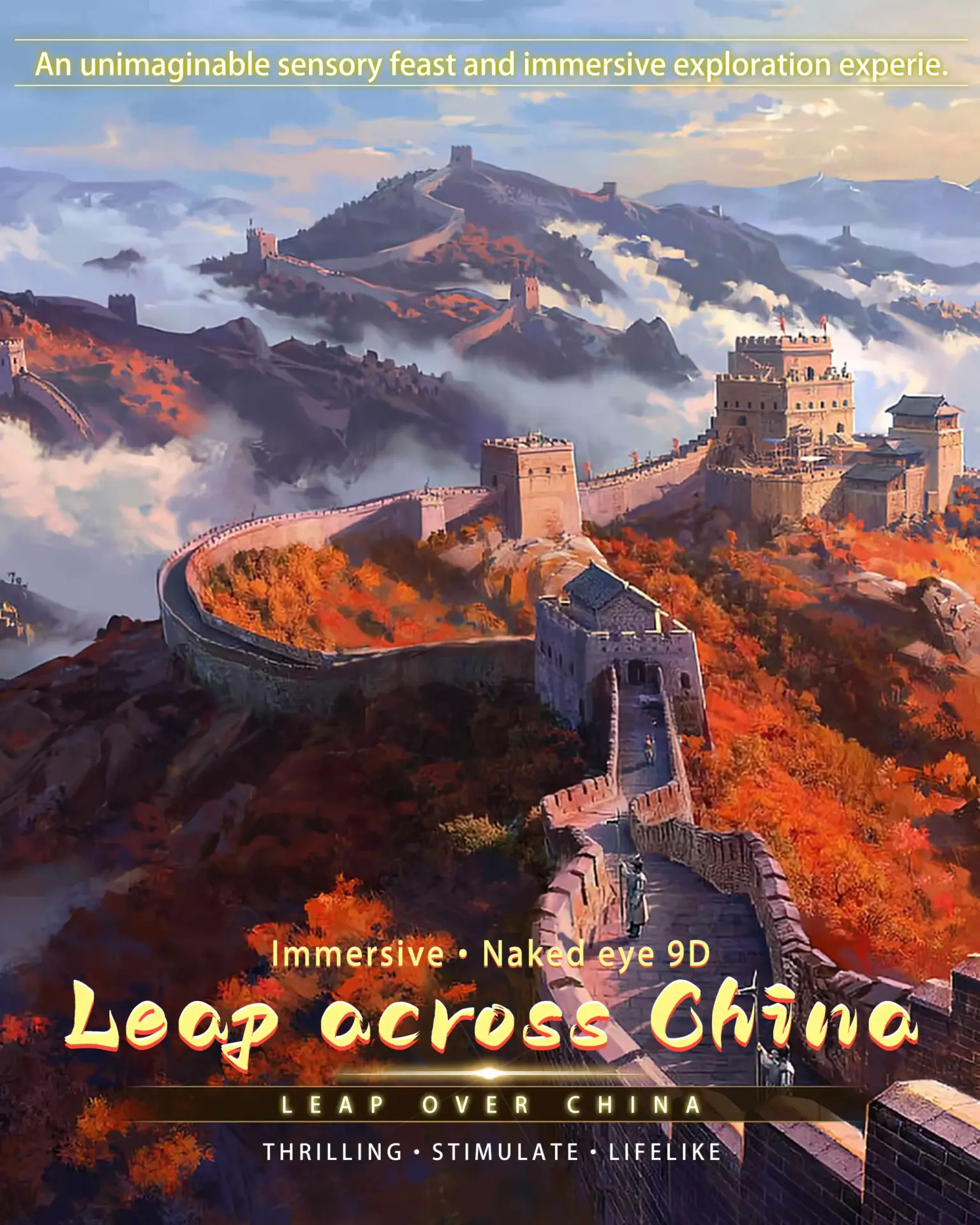
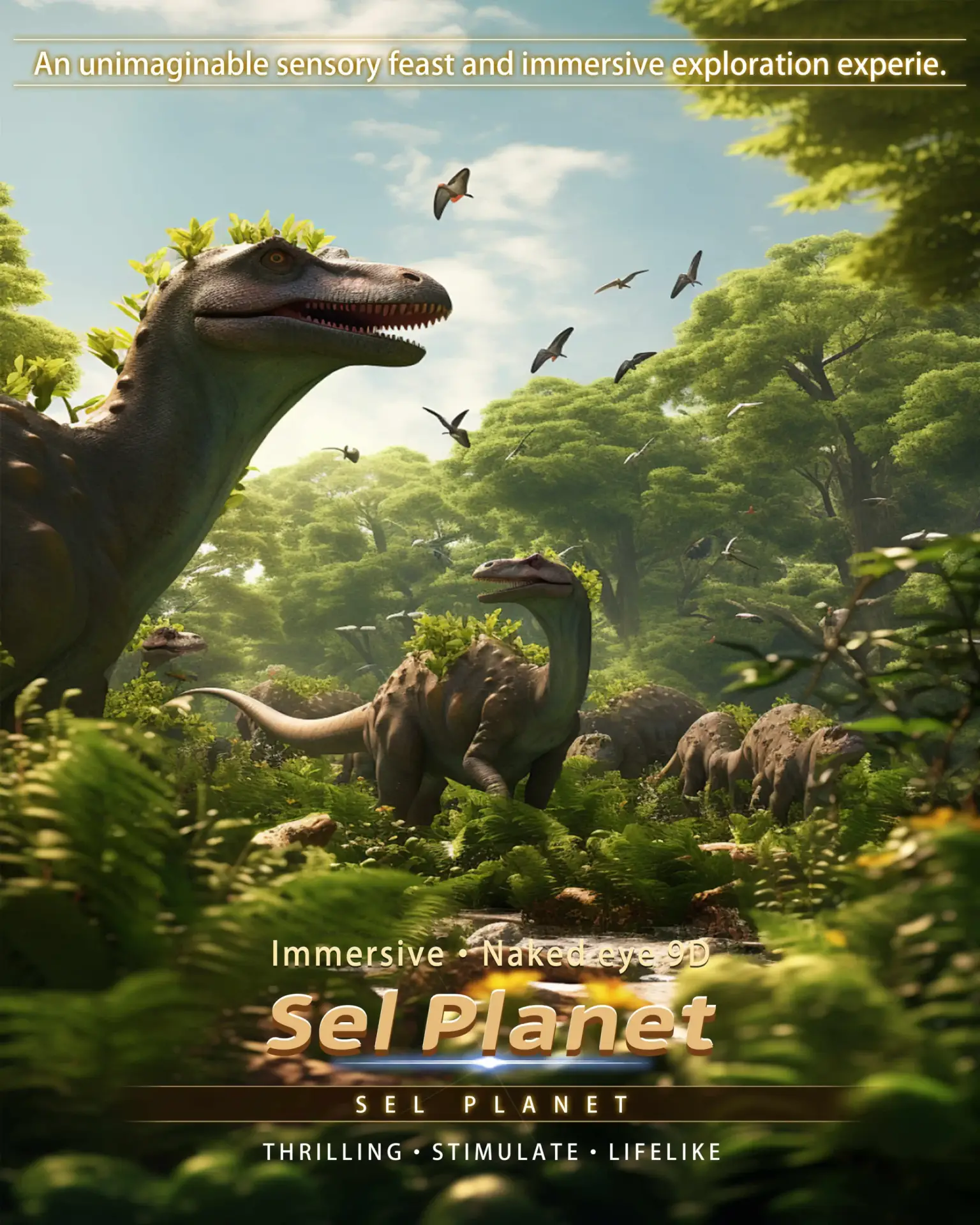
Explore adventure, dinosaur, space, ocean and family films for your attraction. Tell us which theater you are considering so we can confirm compatible titles, playback formats and motion cues.


Which Venues Are These Theater Systems Designed For?
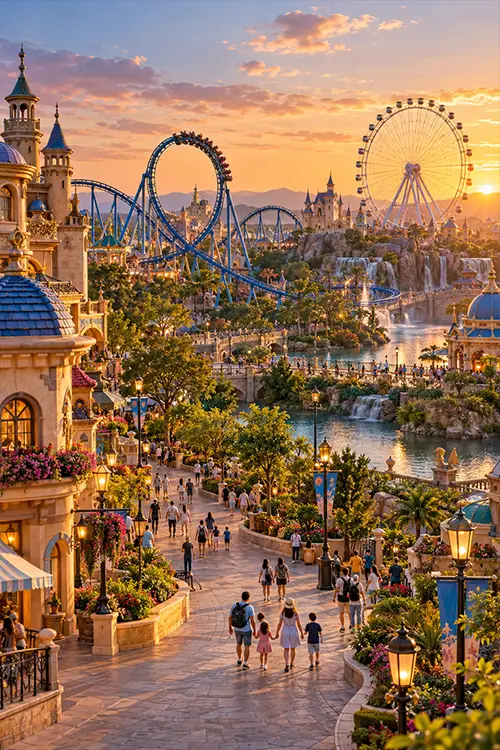
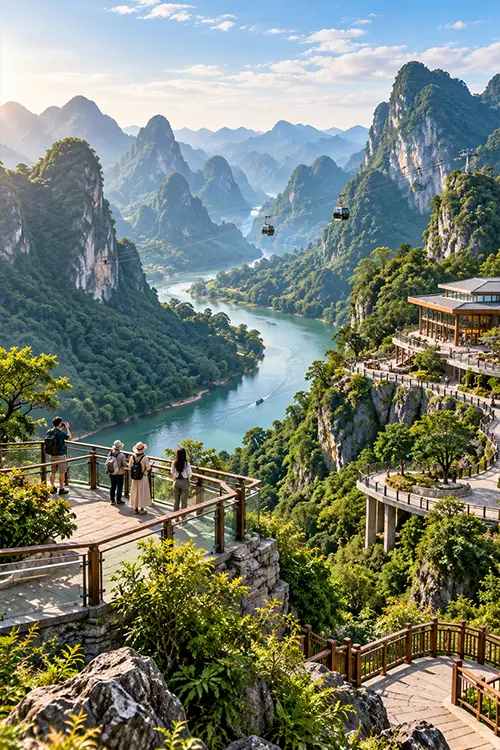
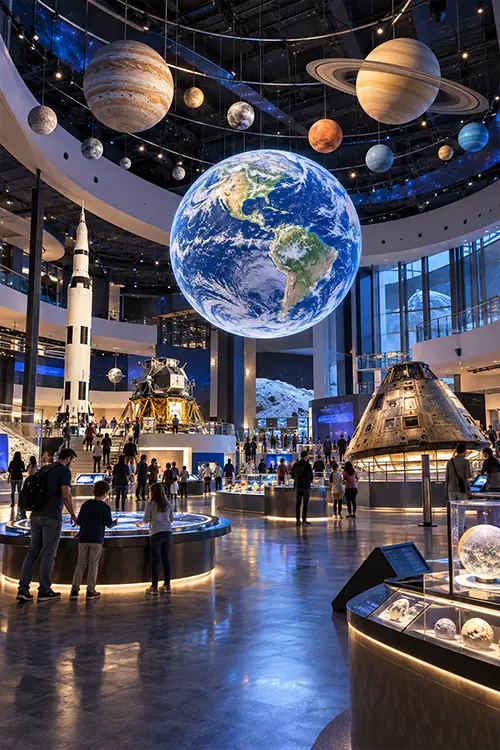
The same attraction can need a different layout in a shopping mall, theme park or museum. Consider how guests arrive, how much space is available for boarding and which films suit your audience.
Theme Parks
Cultural Tourism Destinations
Shopping Malls & Family Entertainment Centers
Science Museums & Indoor Attractions
PROJECT SERVICES
From Site Review to Theater Handover
Send your project location, measured floor plan, clear ceiling height and target seats per session. We use these details to recommend a configuration and identify what needs to be included in your proposal.
Site Review
Check room dimensions, delivery access and the space needed for equipment and maintenance.
System Selection
Compare suitable models and confirm the proposed screen, seating and effects package.
Quotation Scope
Standard film content is provided at no additional charge. Shipping, installation and travel expenses are excluded from the equipment price.
Installation & Handover
Agree on installation, commissioning and operator training arrangements before delivery.
Motion Theater FAQs
Q1: How do we choose between dome, flying and track cinema systems?
Start with the guest experience you want to offer. For a flight experience, compare flying theater models. For a guided vehicle, look at Track Cinema. For a seated 3D show with physical effects, consider a 5D Motion Theater. Then check the space and operating requirements of your shortlist.
Q2: How much space and ceiling height do I need?
Requirements vary by model, seat count and screen arrangement. Send your internal room dimensions, clear ceiling height, column positions and access points so we can review the layout.
Q3: How many guests can the theater accommodate?
Capacity depends on the model and seating layout. Tell us your target guests per session and expected peak-hour demand so we can compare seating options and allow for boarding and unloading time.
Q4: Which films and effects work with my chosen system?
Compatibility depends on the screen format, playback system and installed motion or effects equipment. We confirm the available titles and supported effects for your configuration when preparing the proposal.
Q5: What is included in the equipment quotation?
The quotation lists the screen, seating or motion system, controls and effects selected for your project. Standard film content is provided at no additional charge. Shipping, installation and travel expenses are excluded from the equipment price.
Q6: What should I send to request a proposal?
Send your project location, floor plan, clear ceiling height, preferred theater type and target capacity. If available, include your budget range and planned opening date.