VR Arcade Solutions for Multiplayer Attractions

Compare four ways to run multiplayer VR in your venue, from free-roam exploration to rhythm games, team puzzles and competitive play. Choose a format that fits your floor plan, group size and staffing.
MULTIPLAYER VR FORMATS

Choose a Play Style for Your Guests

Think about how a group will spend its session. Some guests want to explore together, others want to solve a challenge, move to music or compete. The play style helps determine the space, briefing and supervision each group needs.

Free-Roam Exploration

Players move through a shared virtual world on foot. Plan a clear play area and a place to brief the group before entry.

Rhythm Games

Music and movement drive the session. Consider how the play area and sound will fit alongside neighboring attractions.

Team Puzzles

Players work through challenges together. Allow time to explain the controls and objective before the session starts.

Competitive Play

Groups face off in a shared arena. Give staff a clear view of the players and keep waiting guests outside the play boundary.

RECOMMENDED EQUIPMENT

Compare Four Multiplayer VR Experiences

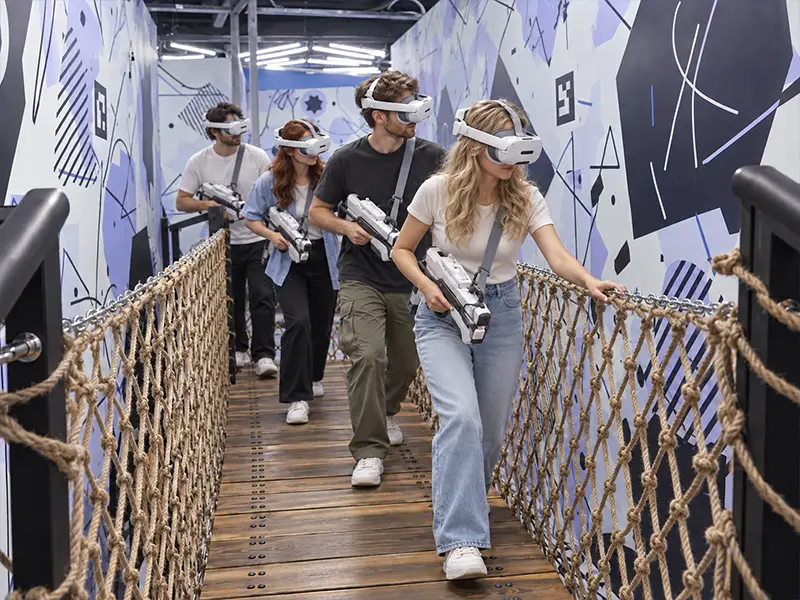
Participants wearing VR headsets walk across a rope bridge inside an XR attraction.

XR Free-Roam Space

Up to four players explore together on foot. The complete XR project occupies 7.4 × 9.8 m. Content licensing and updates are included at no additional charge.

View XR Free-Roam Space →
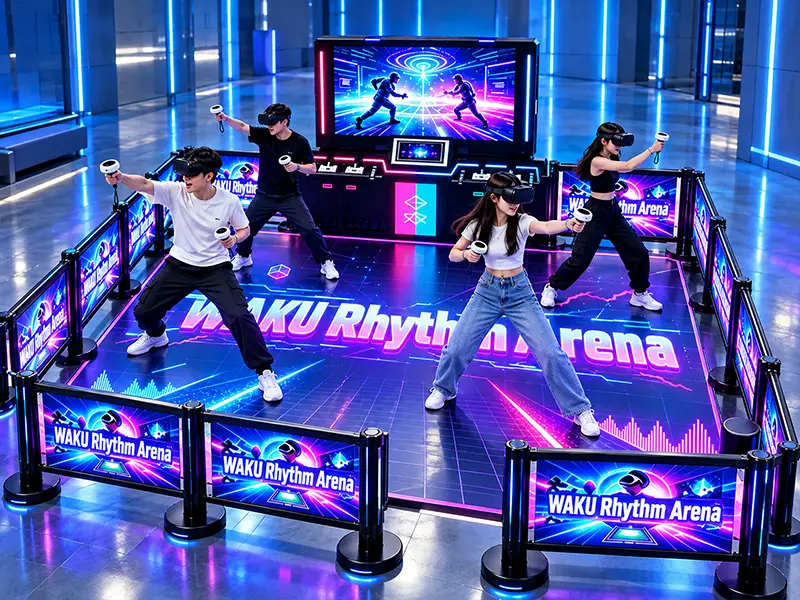
Players stand inside a blue-lit WAKU Rhythm Arena with screens around the play area.

WAKU Rhythm Arena

A music-led attraction for venues that want an active multiplayer experience. Review the available rhythm titles, play area and player capacity for your configuration.

View WAKU Rhythm Arena →
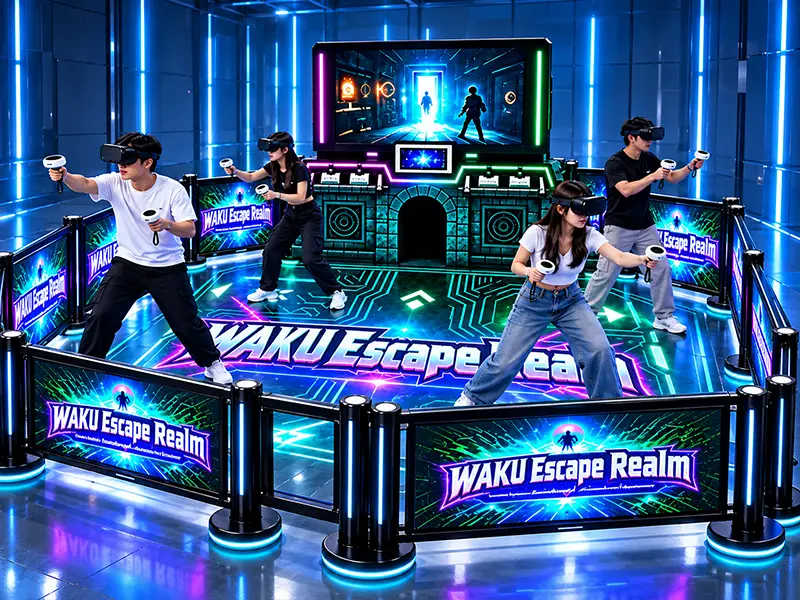
Players use handheld controllers inside the WAKU Escape Realm arena.

WAKU Escape Realm

A cooperative puzzle arena for groups that enjoy solving challenges together. Plan time for a short briefing before each group begins.

View WAKU Escape Realm →
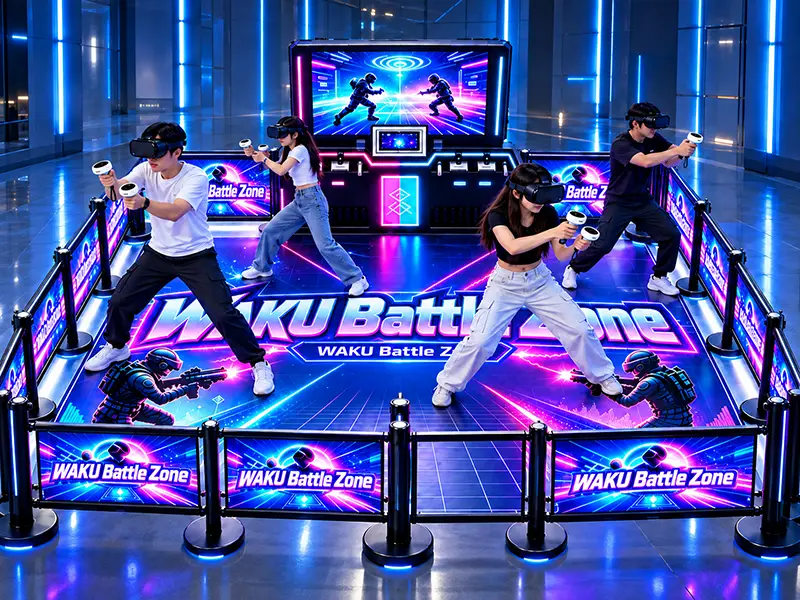
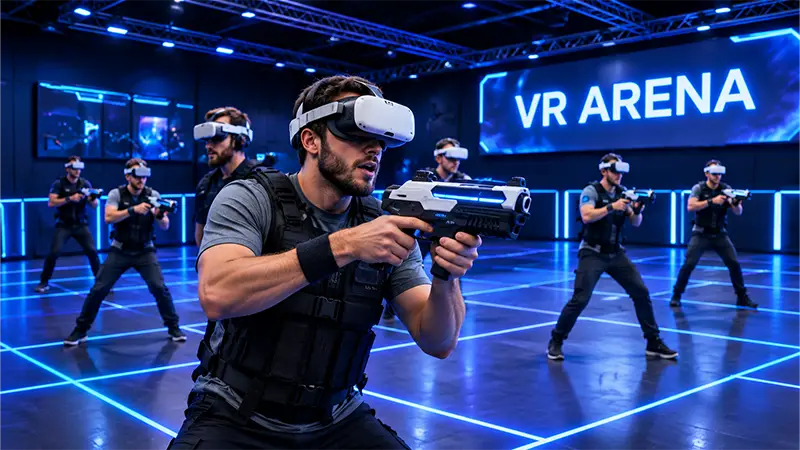
Multiplayer VR participants face each other inside the WAKU Battle Zone arena.

WAKU Battle Zone

A multiplayer shooting arena for competitive group sessions. Review the game selection, player capacity and operator position when choosing the layout.

View WAKU Battle Zone →

DESIGN YOUR VR ARCADE

VR Arcade Layouts for Different Venue Sizes

Start with the usable play area, then allow space for check-in, headset fitting, staff supervision and the next group. A measured floor plan helps determine whether one attraction or a combination of formats will fit.

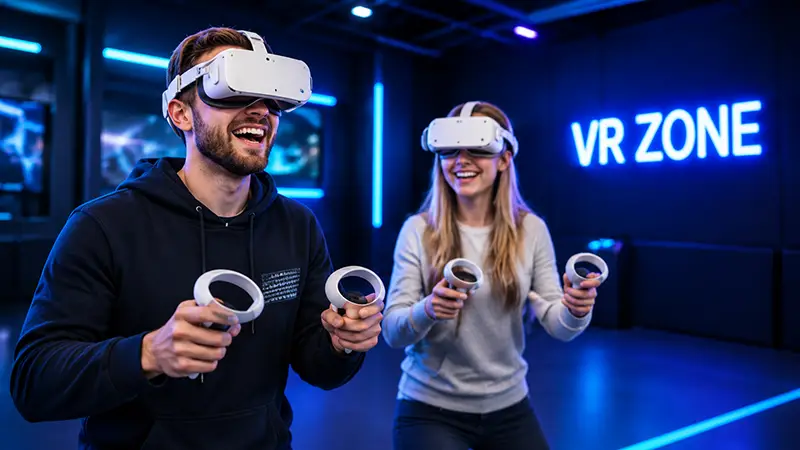
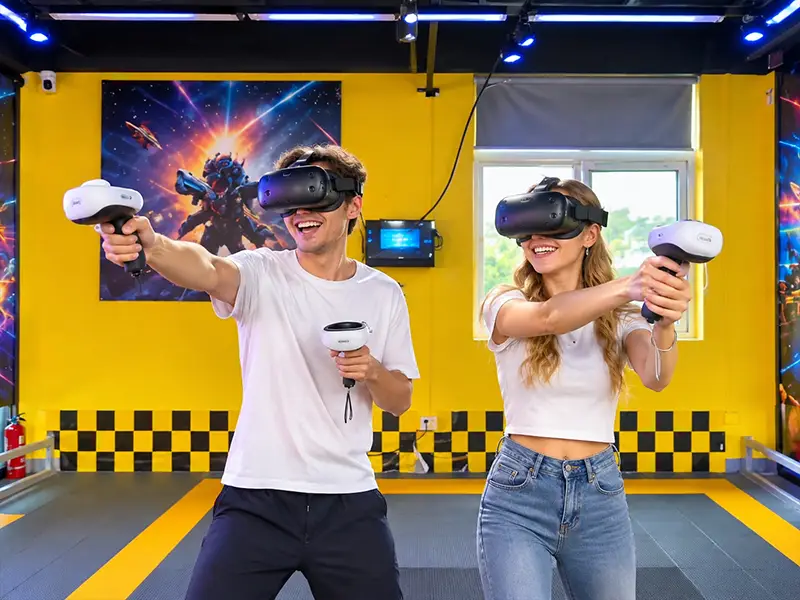
Two players wearing VR headsets hold motion controllers inside a blue-lit VR zone.

Compact VR Zone

Plan one attraction with a defined play boundary, a nearby operator station and a waiting point outside the active area.

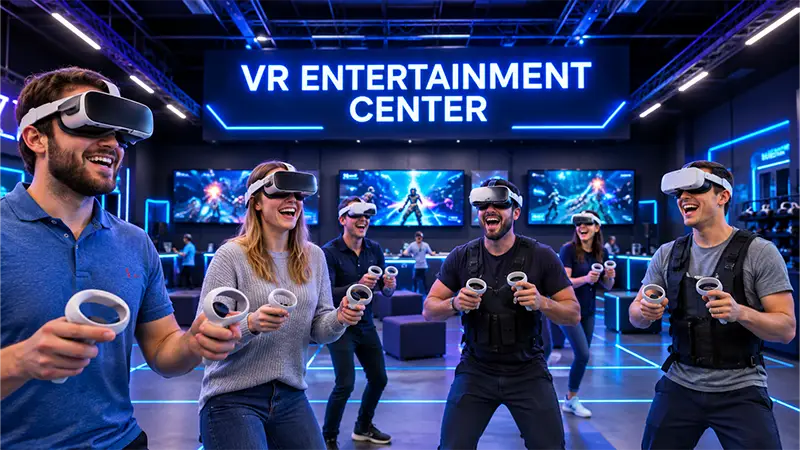
A group of headset users holds controllers beneath a VR entertainment center sign.

Multiplayer VR Center

Give each group room to check in, receive instructions and enter the arena. Position staff so they can supervise play and assist the next group.

A player holds a rifle-style controller while other headset users stand across the VR arena.

Multi-Arena Entertainment Venue

Compare several play formats around a shared reception area. Plan separate queues and reset routines so adjacent arenas can operate at the same time.

VR ARCADE GALLERY

VR Play Areas, Equipment and Venue Layouts

Explore examples of player setups, equipment stations and arena boundaries when planning your own venue.

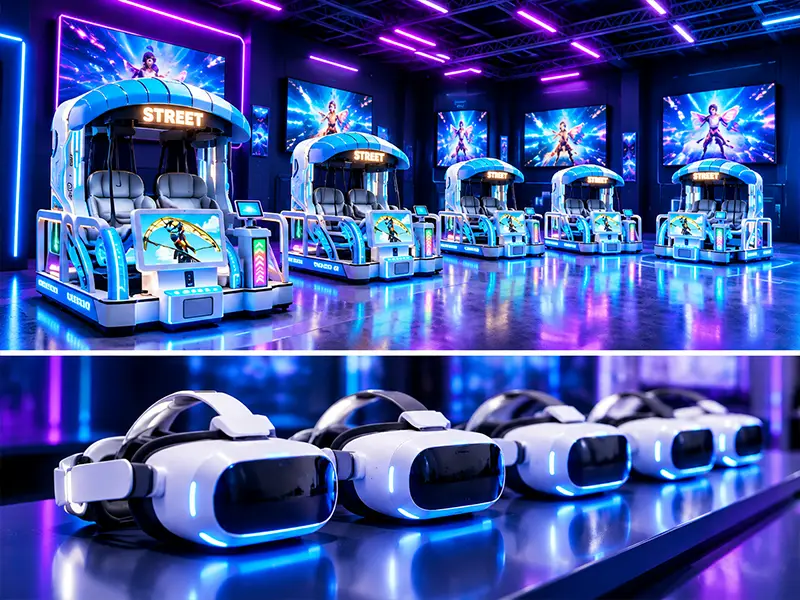
A row of white VR headsets sits in front of illuminated arcade stations.
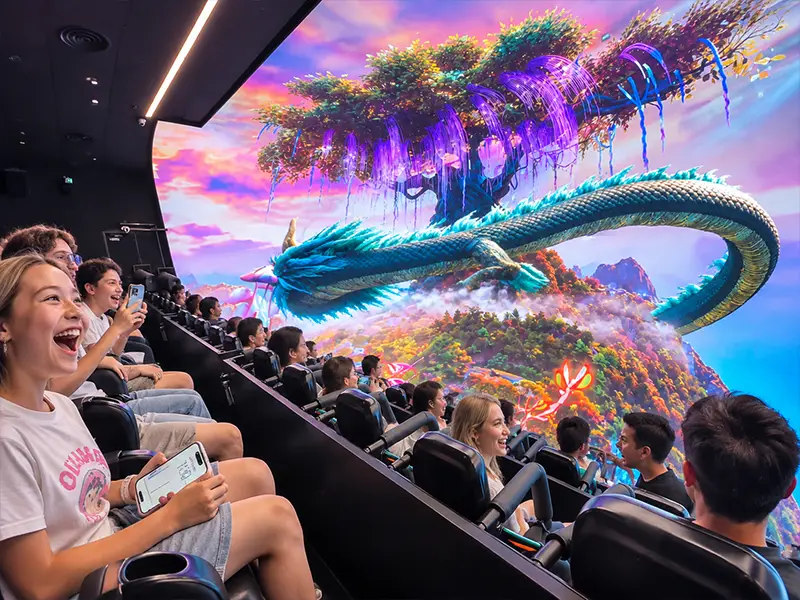
A seated audience faces a panoramic screen showing a dragon.
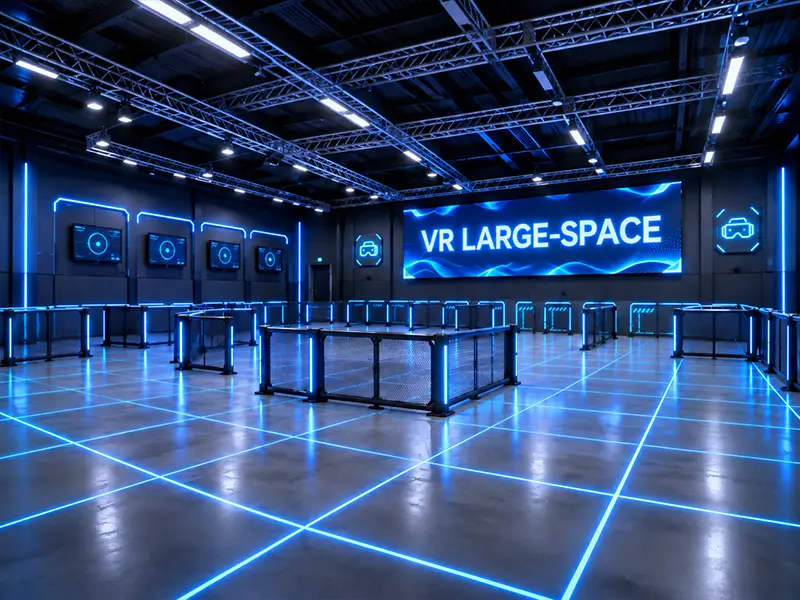
An empty blue-lit VR arena with marked zones and perimeter barriers.

Where Multiplayer VR Attractions Fit

A mall attraction needs a queue that stays clear of passing shoppers. A dedicated VR arcade may need several groups to check in and play at once. Review the operating conditions of your venue before choosing an arena.

Shopping Mall Entertainment Zones

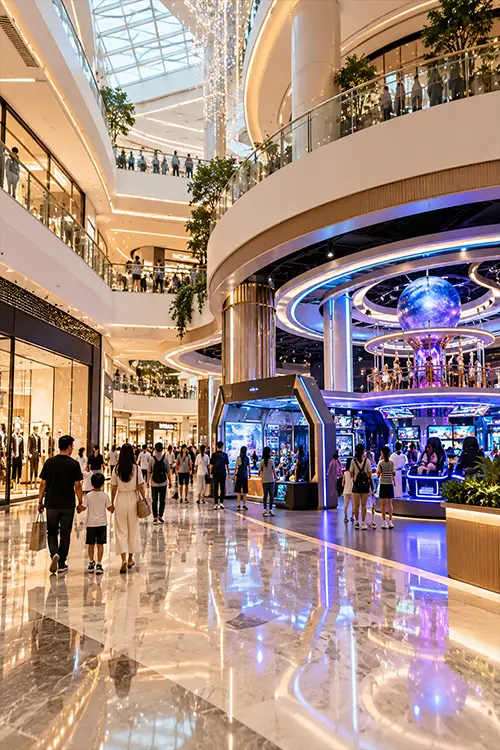
A mall atrium with entertainment storefronts beneath a skylight.
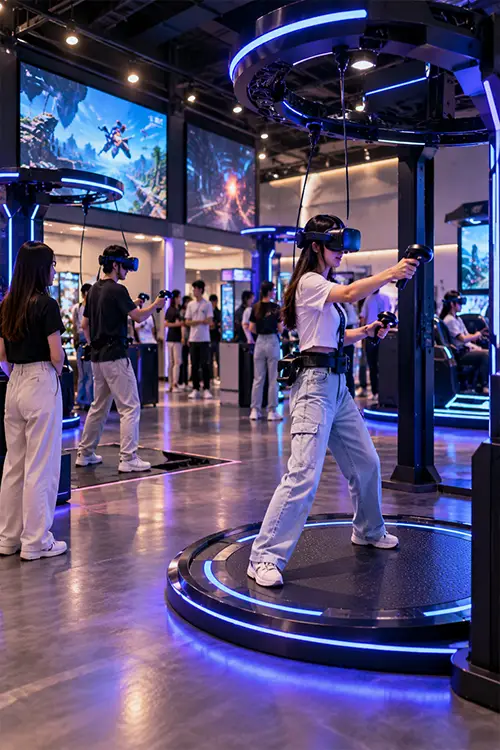
Guests explore illuminated VR stations in an indoor arcade.

Dedicated VR Arcades

Family Entertainment Centers

Colorful climbing and arcade equipment inside a family entertainment center.
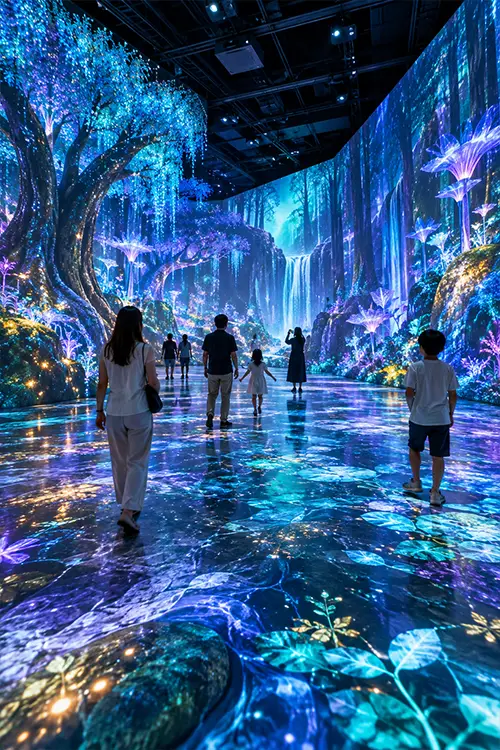
Visitors explore an indoor space with floor and wall projections.

Indoor Interactive Venues

VR ARCADE OPERATIONS

Plan Staffing, Session Timing and Content

A VR session includes more than game time. Allow for instructions, headset fitting, play, equipment checks and reset when estimating how many groups your venue can serve.

Games & Content Terms

Confirm the titles, compatible hardware, licensing and update terms for each selected attraction.

Operator Position

Choose a station with a clear view of the play area and easy access to players who need help.

Session Turnaround

Time the complete cycle from briefing to reset. Use that figure to plan bookings and staff cover.

Installation & Training

Agree on delivery access, installation, commissioning and operator training in the project proposal.

VR Arcade Planning FAQs

Illustration of guests queuing at an illuminated immersive theater entrance
Q1: How much space does XR Free-Roam Space require?

The complete XR project has a reference footprint of 7.4 × 9.8 m. Send your floor plan so we can check how it fits around columns, entrances and guest circulation routes.

XR Free-Roam Space supports up to four players per session. For Rhythm Arena, Escape Realm and Battle Zone, confirm the player count for the model and configuration in your proposal.

Rhythm Arena focuses on music and movement. Escape Realm is built around cooperative puzzles, while Battle Zone offers competitive shooting games. Ask for the available titles for the format you prefer.

Content licensing and updates are included at no additional charge for XR Free-Roam Space. For the WAKU arena series, the quotation specifies compatible titles and content terms for the selected model.

Multiply players per session by the number of complete sessions you can run in an hour. Include briefing, headset fitting, play and reset time. Then allow for partially filled groups and operating breaks.

Send your project location, measured floor plan, clear ceiling height, preferred games and target group size. We confirm equipment, content and support in the proposal. Shipping, installation and travel expenses are excluded from the equipment price.