


flying theater technology
A turn on screen, a tilt of the seat and a burst of wind all need to happen on cue. See how projection, playback and motion control work together in our flying theaters and immersive cinemas.
Central Playback Control
The playback system coordinates the film and the cues sent to connected equipment during the show.
Multi-Channel Playback
Where a theater uses several projection channels, playback keeps the different sections of the picture on the same scene.
Programmed Show Sequences
An opening cue starts the sequence. Film playback, equipment movements and the closing cues then follow the programmed order.
Configuration for Each Theater
The playback setup depends on the screen arrangement, the number of media channels and the devices that need to receive cues.
The show control system coordinates film playback with equipment cues. It gives each part of the attraction a defined place in the sequence, from the opening scene to the end of the show.
Film Playback and Show Control

Multi-Axis Movement
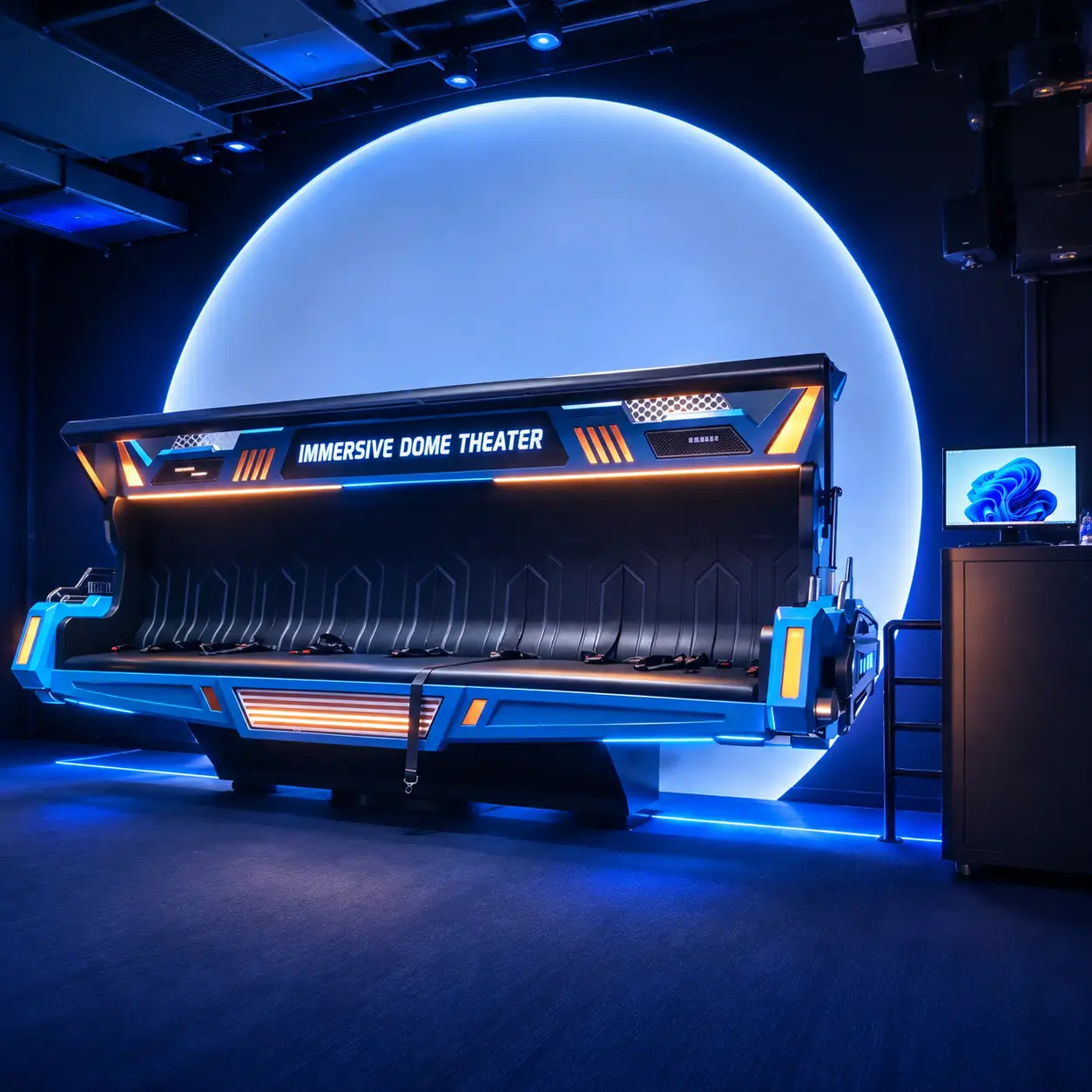
Depending on the mechanism, a platform can tilt, lift or shift the seats. The platform design determines which movements can be combined.
Motion Cues for Film Scenes
A banking turn, a dive and a rough landing each call for a different motion cue. The sequence follows what guests see on screen.
Actuators and Drive Mechanisms
Actuators and drive components move the platform in response to control signals. Their arrangement determines how movement reaches the seats.
Motion Seat Programming
The timing, direction and intensity of each cue are set for the film and the selected ride equipment.
A motion platform translates changes in the film into physical movement. The available movements depend on the platform design, and each sequence is programmed for the film it accompanies.
Motion Platform and Seat Control
Film and Seat Synchronization
Seat and platform movements are timed to changes in the picture, such as the start of a climb or the moment a vehicle turns.
Environmental Effects
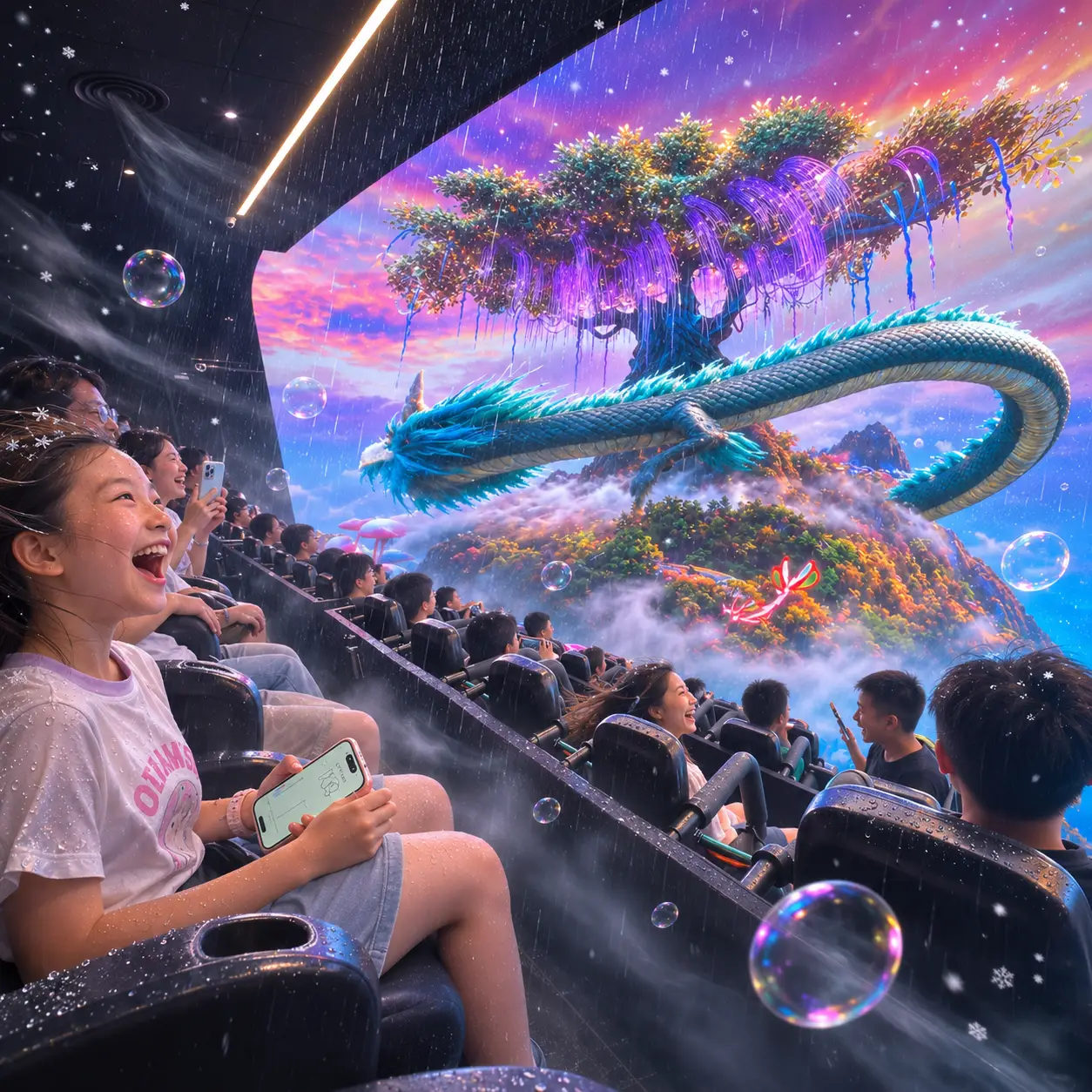
Depending on the equipment package, a scene can include wind, mist, water spray, snow or bubbles.
Effect Timing and Duration
Each cue specifies when an effect starts and how long it runs. A brief splash and a sustained breeze can be programmed differently.
Coordinated Sound, Motion and Effects
Sound, seat movement and environmental effects can reinforce the same moment in the film, such as a gust of wind as the audience passes a waterfall.
A wind cue arriving as the viewpoint accelerates can make a flying scene feel more convincing. The control system times each installed effect to the moment it supports on screen.
Synchronized Motion and Theater Effects

Multi-Projector Edge Blending
Adjacent projectors overlap at the edges of their images. Blending adjusts the brightness in those shared areas so the joins are less visible.
Geometric Correction
A calibration grid reveals where the image stretches or bends on the screen. The projection image is adjusted to fit the curvature of the display.
Color and Brightness Calibration
Matching color and brightness across projectors helps a blue sky or a dark ocean scene look consistent from one side of the screen to the other.
Projection Layout
Screen shape, projector positions and audience sightlines guide the layout. These details help determine how the projected image will look from the seats.
On a dome or curved screen, neighboring projectors must agree on both image position and color. Alignment and calibration help the audience see one continuous scene across the screen.